Charge

Pivoting to contactless payments during the pandemic.

impact

Charge's best year on record, of all time.

"The payment request feature played a pivotal role in stabilizing Charge during the pandemic. By giving merchants a contactless way to collect payments remotely, we eliminated the core blocker that was driving churn. Charge went on to achieve a 13.8% increase in revenue year-over-year — its best performance on record.

Problem

Monthly recurring revenue dropped 27% in a single month.

In January 2020 as the pandemic began ramping up, I was serving as Product Manager for Charge. With social distancing mandates, Charge faced a significant challenge. Monthly Recurring Revenue (MRR) dropped by 27% as small businesses closed down, and the existing payment methods were no longer sufficient for many merchants during the pandemic.

Charge had limited payment options: either manual entry or card scanning using the device's camera. With the onset of social distancing, these payment options became impractical, as face-to-face transactions were discouraged.

Many merchants who remained operational needed a contactless way to receive payments safely. This need emerged directly from my customer support interactions, where merchants expressed their concerns about maintaining business while keeping transactions safe during social distancing.

Solution

Contactless payments delivered to any device.

I led the end-to-end design of a payment request feature, enabling merchants to send payment links directly to customers' phones, eliminating the need for face-to-face transactions entirely.

Process

Leveraging Stripe APIs for payment inks

I worked with our developer to assess the feasibility and viability of the payment link feature by providing them with user flows for an MVP. Our developer researched Stripe’s APIs using the user flows I had created to determine whether implementing this functionality was technically feasible. This research confirmed that Stripe's APIs supported the creation of the payment link feature, allowing us to proceed with confidence while focusing on ensuring a seamless integration with Charge’s existing systems.

Process

Wireframes, userflows, and final design.

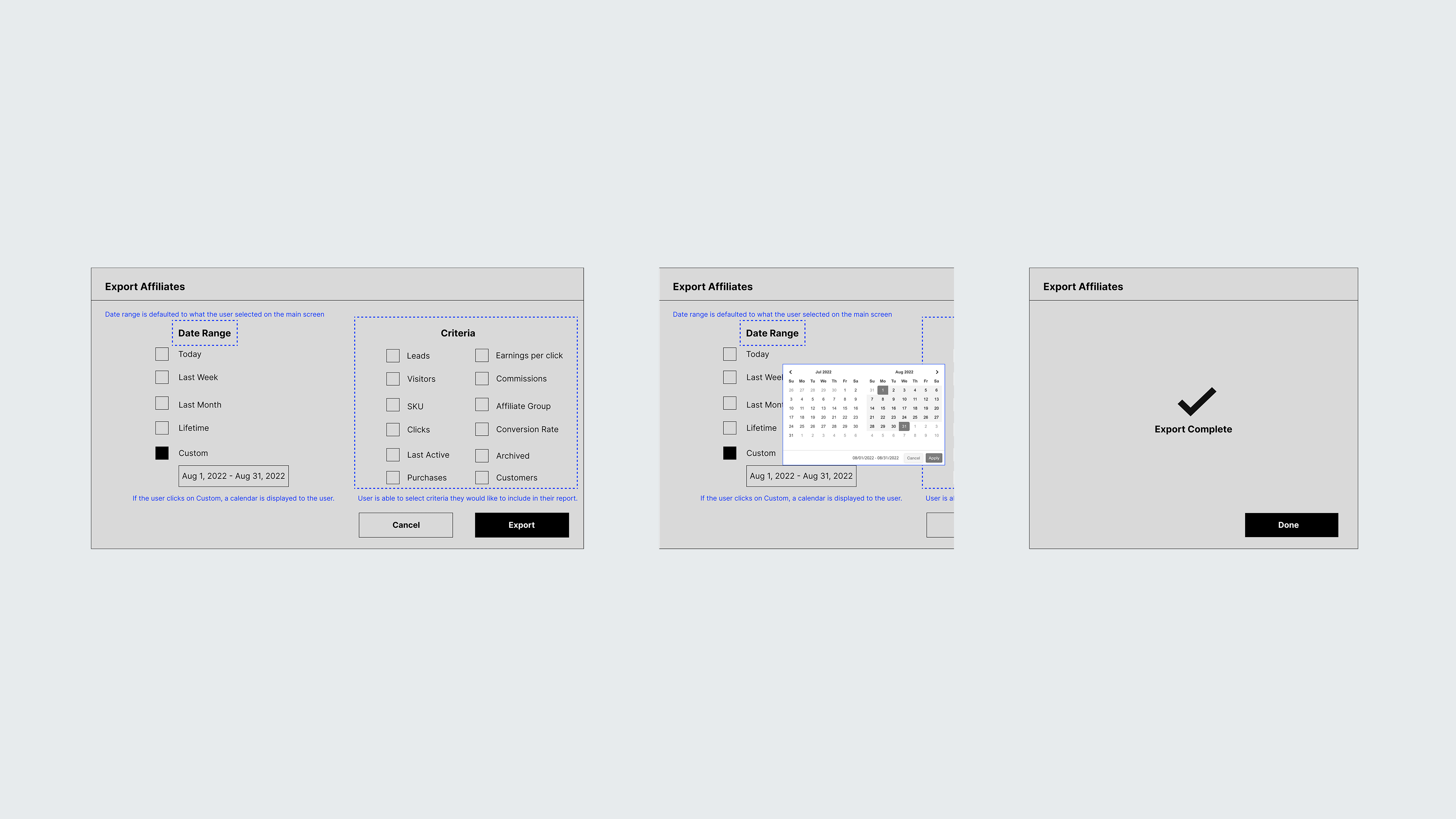
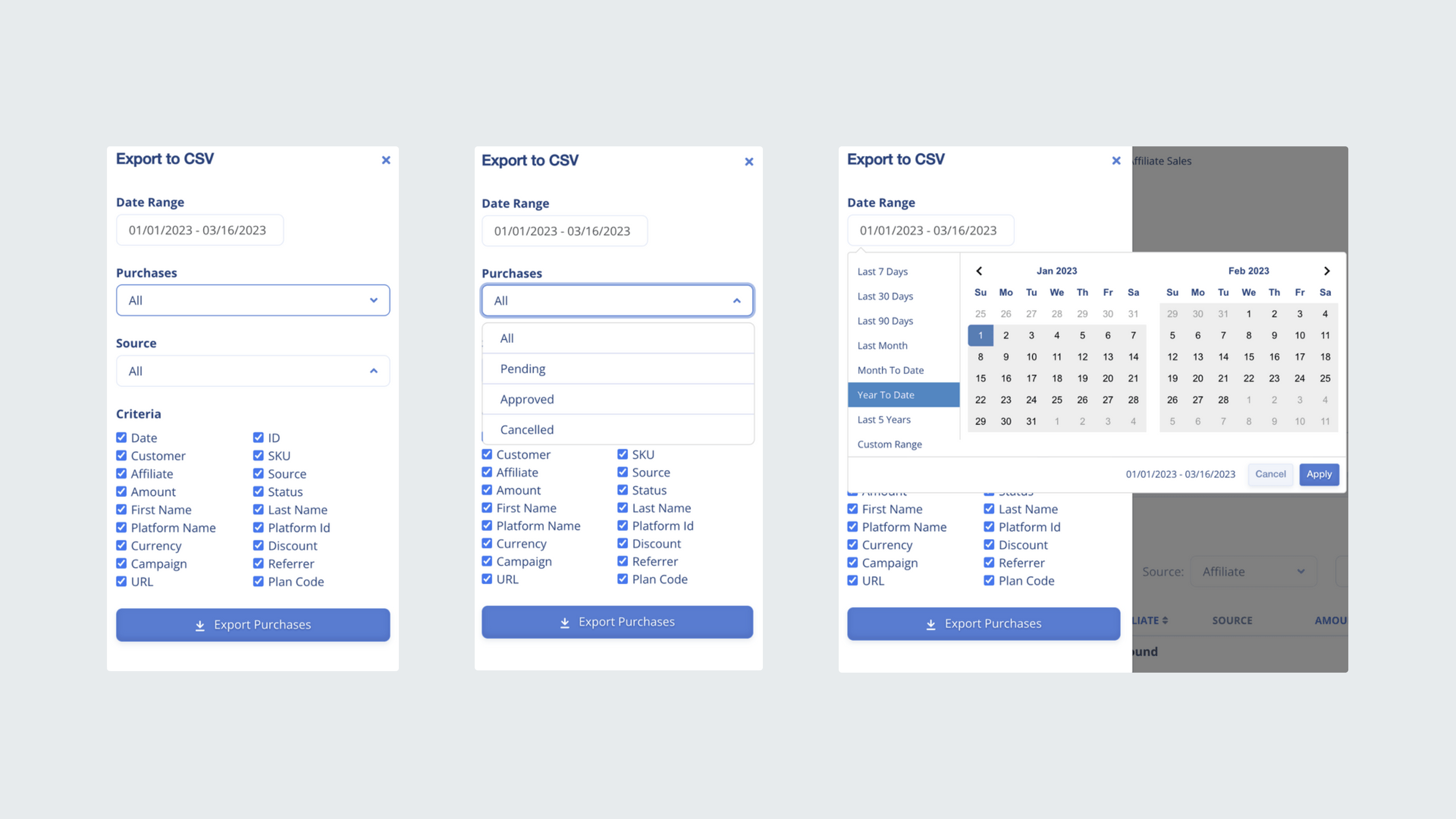
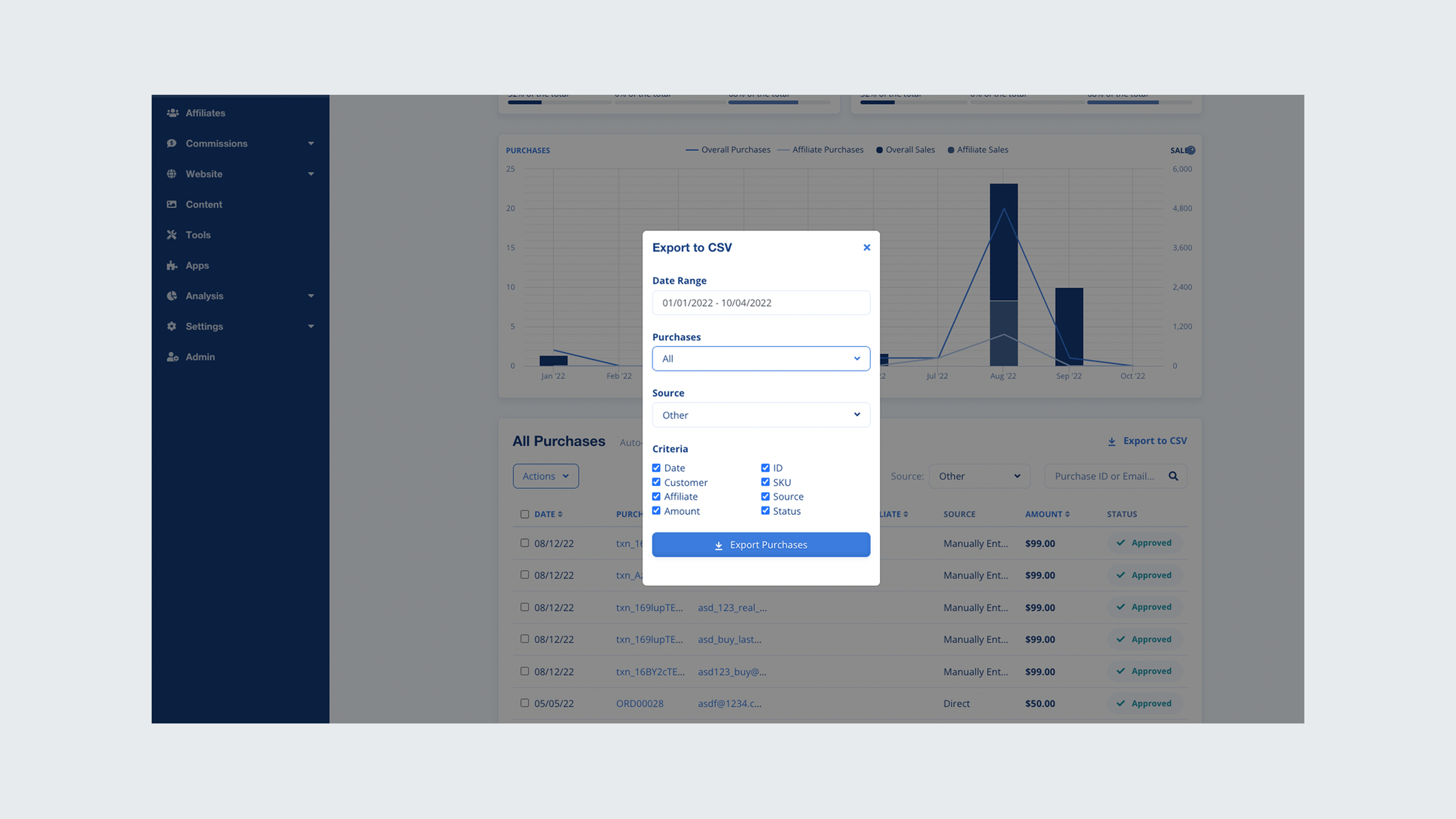
Starting with user flows to map the end-to-end merchant experience, I moved into low-fidelity wireframes to validate the core interaction before committing to visual design. Given the time constraints of the pandemic response, I leaned on native iOS components to accelerate development handoff without sacrificing usability.

Reflections

Speed Is a design decision.

This experience highlighted the delicate balance between striving for an ideal user experience and responding pragmatically to business constraints. Understanding when to compromise on design versus when to prioritize speed and cost-efficiency was crucial in navigating the challenges presented by the pandemic.

A significant challenge was the outdated UI and the desire to modernize it while also delivering a new feature quickly. The compromise of using native iOS components allowed us to manage both time and cost while still providing a valuable contactless payment solution.

Moving forward, we continued to explore incremental ways to modernize the user interface without major delays, focusing on gradual improvements while keeping the user needs at the forefront.